

Smart Fill and Reframe
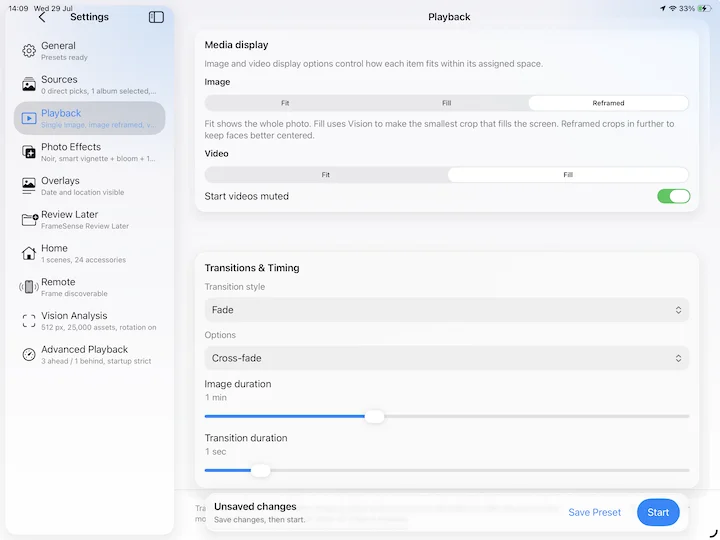
On-device Vision processing helps keep important visual regions on screen when a photo is fitted to the display.
Intelligent Framing. Keeping you in the picture.
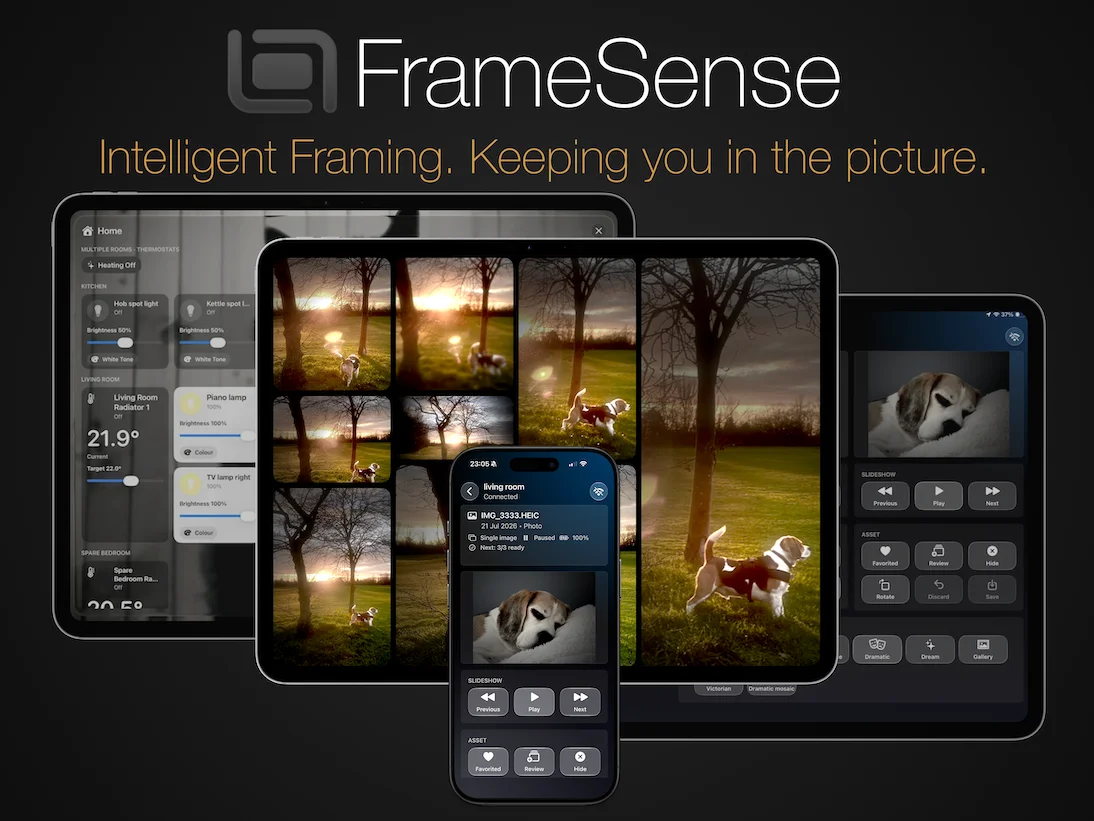
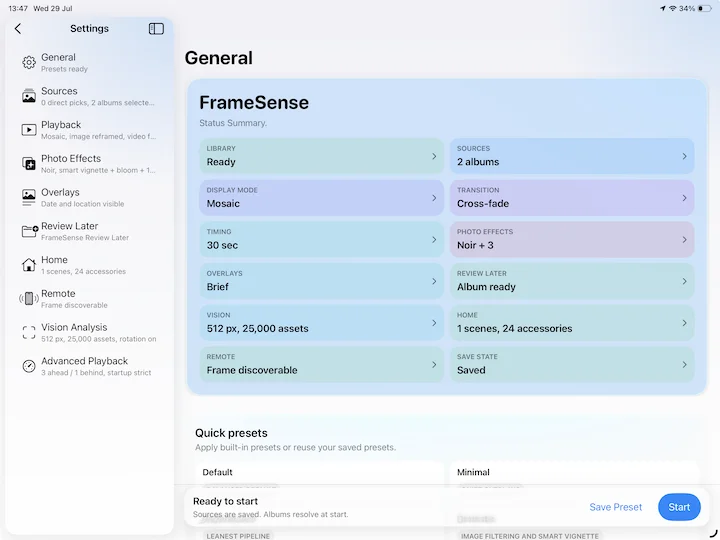
Turn your iPhone or iPad into an intelligent digital photo frame. Create rich, customisable slideshows from your Apple Photos library with smart on-device framing, mosaics, metadata overlays, customisable presets and local remote control. Use FrameSense to control HomeKit scenes and accessories.

Why FrameSense
FrameSense works with your Apple Photos library and processes intelligent framing on your device. There are no accounts, advertisements, subscriptions or third-party tracking.
Designed for your own photo library
FrameSense combines flexible playback with on-device processing and customisable overlays, without accounts, advertisements or tracking. Apply customisable image effects, including a smart vignette that uses on-device Vision processing to focus attention on the subject.
On-device Vision processing helps keep important visual regions on screen when a photo is fitted to the display.
Show one photo at a time or build multi-image mosaic displays, with support for selected photos, albums, collections and videos.
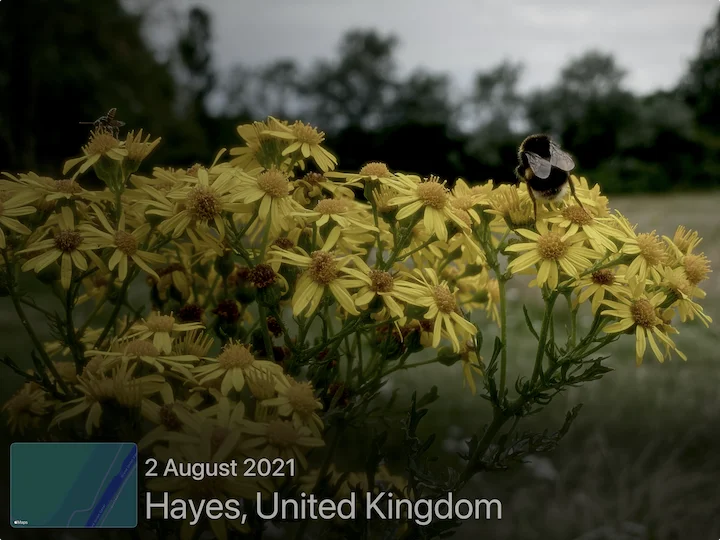
Optionally display capture dates, place names and map previews using metadata already embedded in your photos.
Save favourite playback, effects and overlay combinations, then export or import presets between your devices.
Discover and control FrameSense devices on your local network, with optional six-digit PIN protection for new connections.
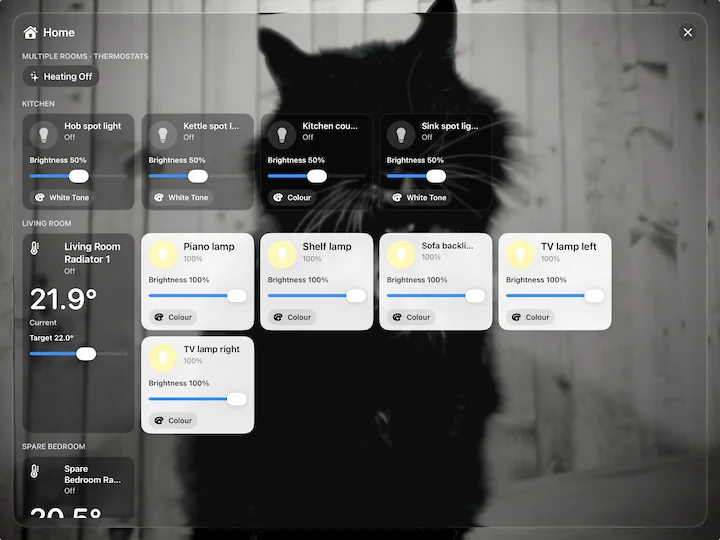
Keep selected HomeKit scenes and accessories close at hand while a slideshow is running.
Buffering, source resolution and a configurable local Vision cache help FrameSense work with extensive personal photo collections.
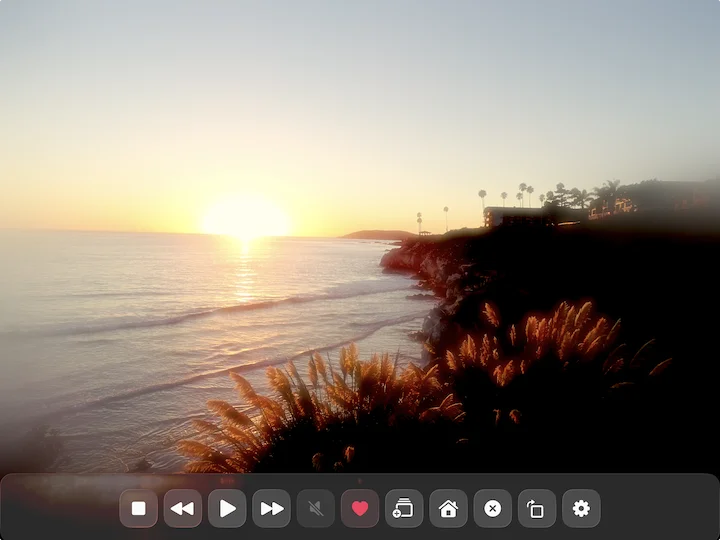
Favourite, rotate, add to Review Later or reject an item from the running slideshow without leaving the display.
No subscription, no advertising and no account required.
screenshot gallery
FrameSense has been designed to work with your Apple Photos library and accesses images and videos from the device and iCloud. As well as being able to support large libraries, photos and videos can be automatically filtered for date. With this enabled FrameSense automatically shows photos and videos that were captured on the same day, week, month or season from any year in your library. Holiday photographs, anniversaries and birthdays can automatically return at the appropriate time of year.

Remote dashboard
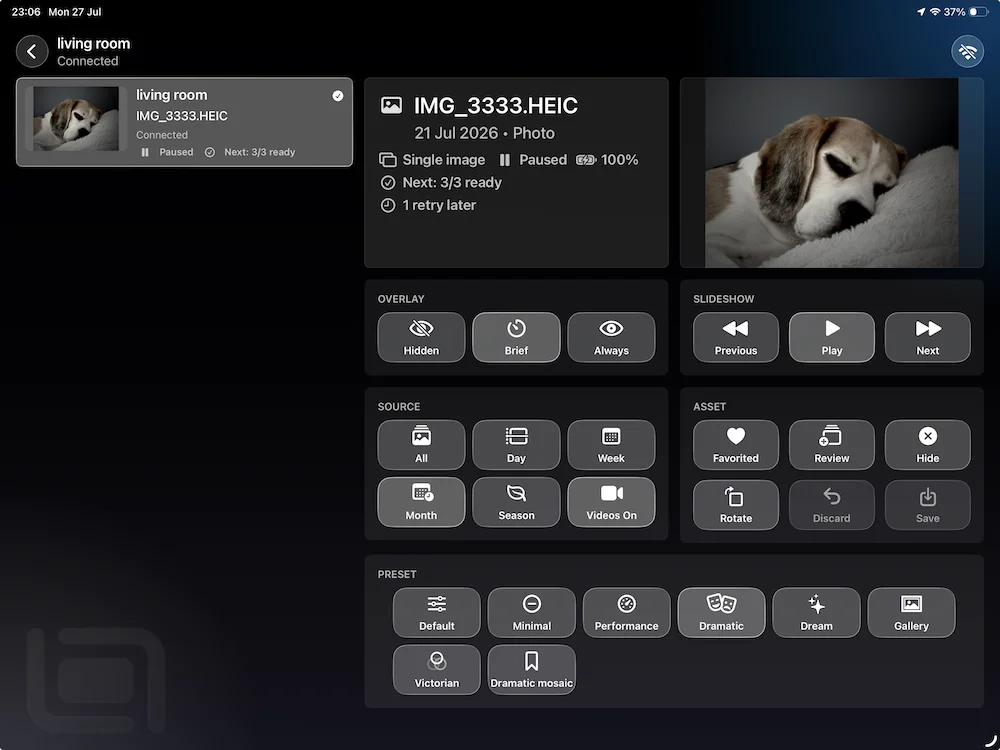
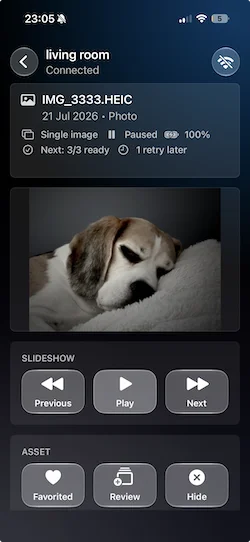
The remote dashboard can discover multiple FrameSense devices on the same local network. Get status information from each connected frame including battery level and processing values. Control playback, switch presets, adjust overlays and perform current photo actions without disturbing the display device.
Frames can be named to reflect their location or role.
Remote sessions remain on the local network and can require a six-digit PIN before a new device is allowed to connect.
Privacy at a glance
FrameSense does not use ads, accounts, third-party analytics or tracking. Photos, videos and Vision analysis are not uploaded to a server operated by the developer.
Media is accessed through Apple's Photos framework and processed on your device.
Optional remote control data is exchanged between nearby devices on your own local network.
FrameSense contains no advertising SDKs, analytics SDKs or App Tracking Transparency prompts.